Warning: behemoth download
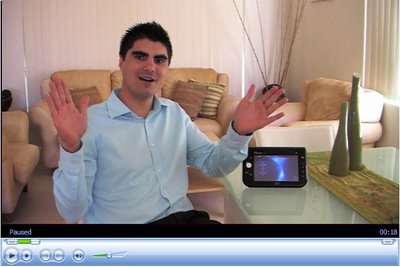
Important as it is to talk to the bleeding edge community – all twelve of you – today’s video is designed to slow down the current exposure we all have to Ultra Mobile PC. At the moment I’m not particularly content with “moving on” to phase two, or three, just yet; so in keeping with this theme I've prepared a 16:9 extravaganza dubbed, UMPC: An out-of-the-box experience.
By “out of the box” I mean software. The video is dedicated to the software experience obtained by the standard features shipped inside a UMPC. I felt this video was important given that only a couple of thousand people worldwide are currently UMPC owners, which means most of you have not even seen or touched these devices. To best translate the UMPC experience I have run the screencasts on an Ultra Mobile PC, uploaded the images using a 16:9 ratio and stayed true to the native resolution of 800x480. Hopefully this is about as close as you'll get to a real device.
If you’re bleeding edge I’m afraid you’ll need to grab some elastoplast (band aids) and lick your wounds for a while. If you’re Mr. and Mrs. Corporation and still don’t know if the hype actually translates to a true productivity increase then sit back [21 minutes] and watch Hugo Ortega (Microsoft MVP) in this edition of UMPC: An Out of the box Experience!
Disclaimer: While I try and remain multicultural in my presentations sometimes thing just don't come out right [my American friends will think that using a rubber on a Journal page is a little "interesting," but that's what we call erasers Downunder.]
Show Notes:
- Intro
- Navigation: Program Launcher
- Data Entry: Tablet Input Panel (TIP)
- Ink Notes: Journal
- Adding depth to your notes: Virtual Printers
- Disseminating Information: Snipping Tool
- Fun: Sudoku
- Close
View the video here:


